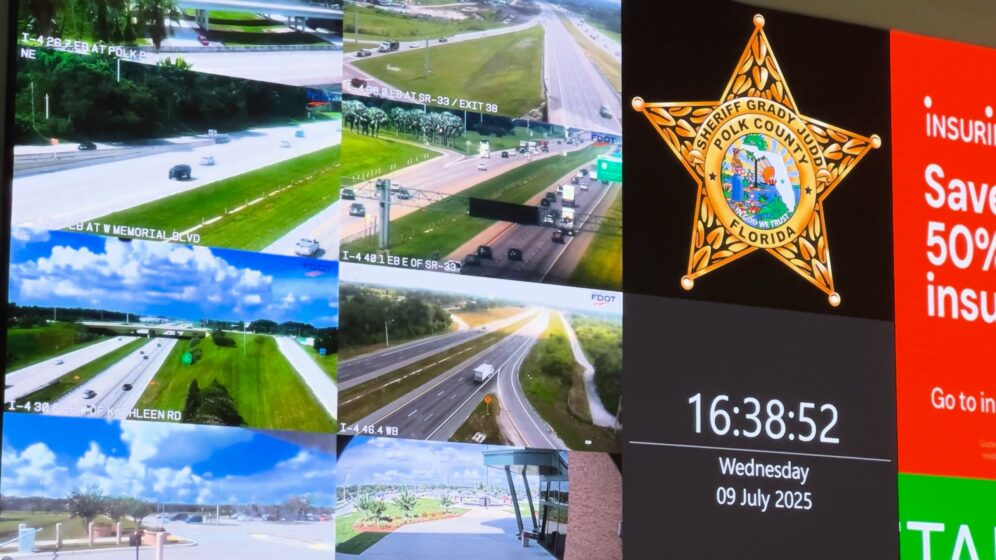
Case Study: Polk County Sheriff’s Office

First responders are busy people. Whenever I have the opportunity to shoot a case study video featuring first responders, I’m meticulously focused on the efficiency of their time investment. Our subjects are always generous with their time, when they are available, but I don’t want to take too much advantage of that.

People outside of creative professions are often surprised how much time, effort, equipment, camera-time, and reshoots are required to supply a video project with quality content, appropriate for a professional result. My job as writer/director in a case study shoot is to ensure we capture more than what’s needed, while managing the subjects. This often means I coach them through the on-camera interview, which is frequently uncomfortable for people not accustomed to the camera. Folks rarely like being stared at by the camera’s eye while being put on the spot to answer. We stick to the things they know best. We don’t feed them lines, we just have a conversation, hopefully engaging enough that the camera and lights disappear and they can relax.

Sometimes, in order to respect the subjects’ time and our shooting schedule, we need to interview off-camera, or simply record a conversation. Flexibility is key to fitting a shoot into the regular day of a high-stress environment.
Animation: Drones for Public Safety

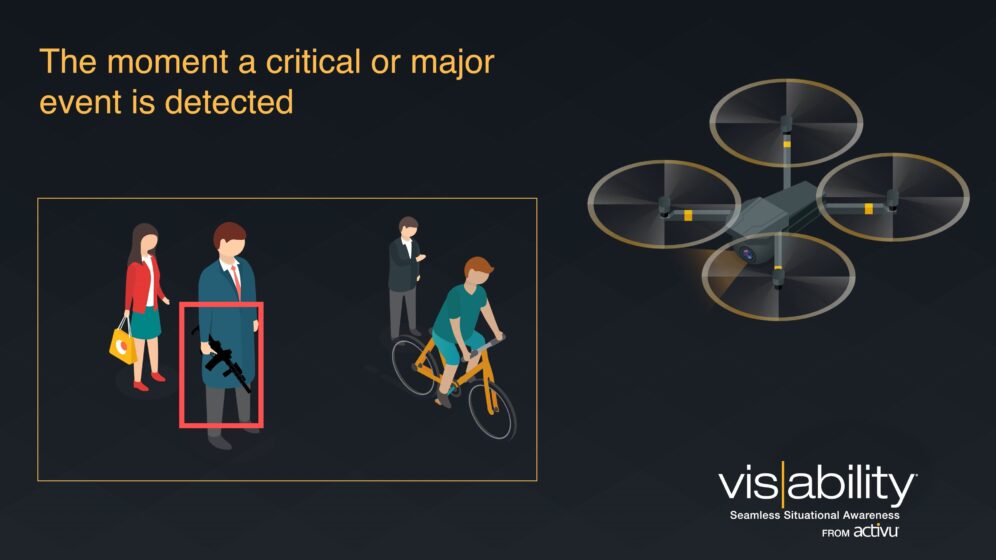
This quick little video was my first serious foray into professional motion graphics and animation. We needed it to very simply convey one big value proposition (automation of information), along with several benefits to the proposed solution (gun detection integration, easy access to video any feeds, sharing to any device, collaboration). This was created in Adobe After Effects and Premiere Pro.

This little video needed to be flexibly used as either a standalone demonstration and how-it-works to prospective customers, or a video loop on-screen at tradeshows and events.

Animation: Critical Operations Collaboration Software

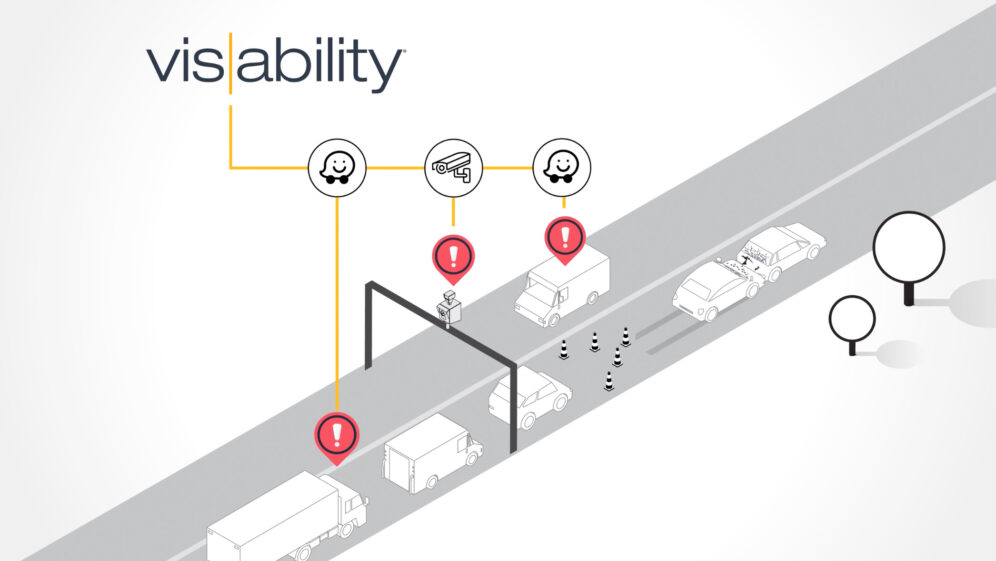
I wrote and creative directed a series of videos, intended to tell the same story about a software platform to three distinct, different audiences: traffic managers, first responders, and IT managers. These audiences all share common generic needs when coordinating and communicating critical information with their teams, but the tools they depend on and the situations which they are managing vary. This required a flexible script that could tell their story, while the visuals carried the specific use case. Working with an agency, we animated three videos which reused about 75% of the animation, and 100% of the voiceover narration, helping to manage project cost.

Software for Traffic Managers

Software for Emergency Operations

Software for IT Network Operations

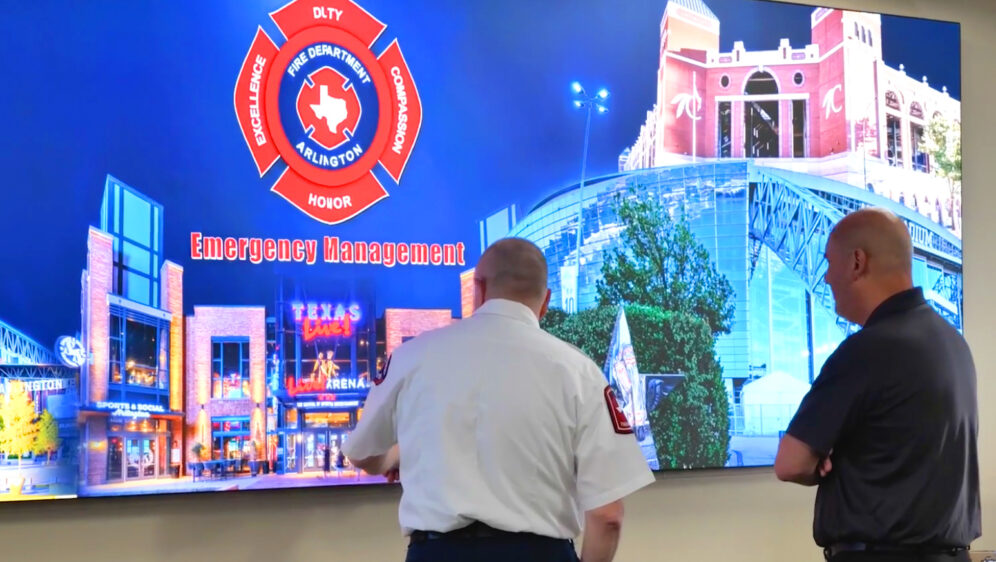
Case Study: Arlington EOC

In a corporate case study, I always want to find the thread that unites the story. A case study HAS to be a story that viewers can connect to, not just because the technology or product is relevant to them.

The people in the story, users of the solution, need to feel real and convey realness through their challenges and approach to solving them. The product’s role in that solution gains importance through association with that resolution. It fits perfectly with the thing our main characters were looking to solve. The viewer identifies with the story because they see these same challenges in their own work.

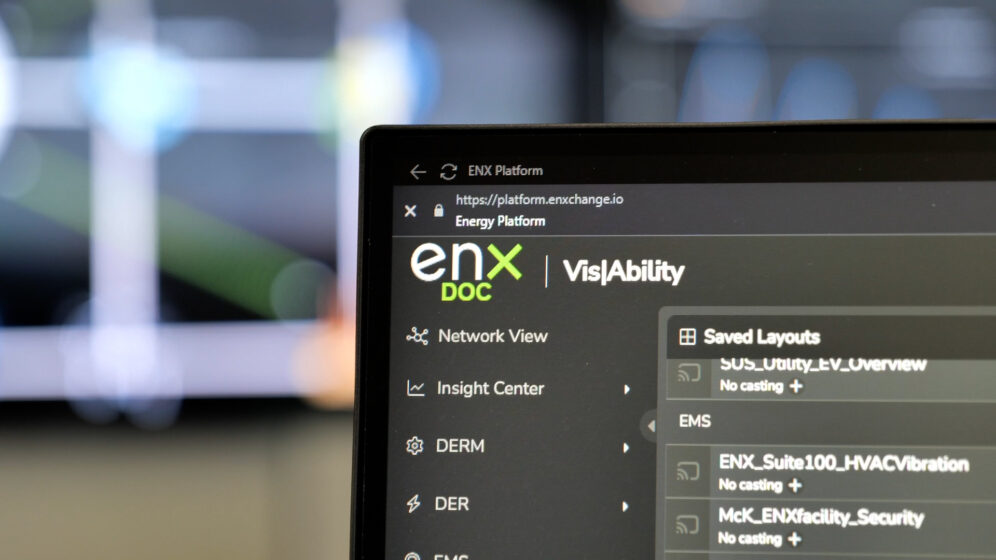
Case Study: EnXchange

It can be challenging to distill a rather technical and wonkish business to something that most people can grasp. Businesses that deal with data and analytics can be especially tough in this way. In this case study, I wanted to ensure that the viewer could connect the firm’s value proposition to something they can relate to in their everyday life, since it wasn’t meant only for target customers in a tightly defined niche.

Additionally, this video was produced as a partnership where both organizations gained promotional value from the piece, so we balanced the messaging accordingly.

https://vimeo.com/1138691586

WealthEngine identity exploration

WealthEngine wanted to inject new energy into their brand, and build out some infographics that clarify and simplify their value proposition. Working with the Art Director, I explored documents, conference display materials, infographics, and more. I worked with the client to establish the standards in guidance documents, so they could continue to build their materials using the in-house team.

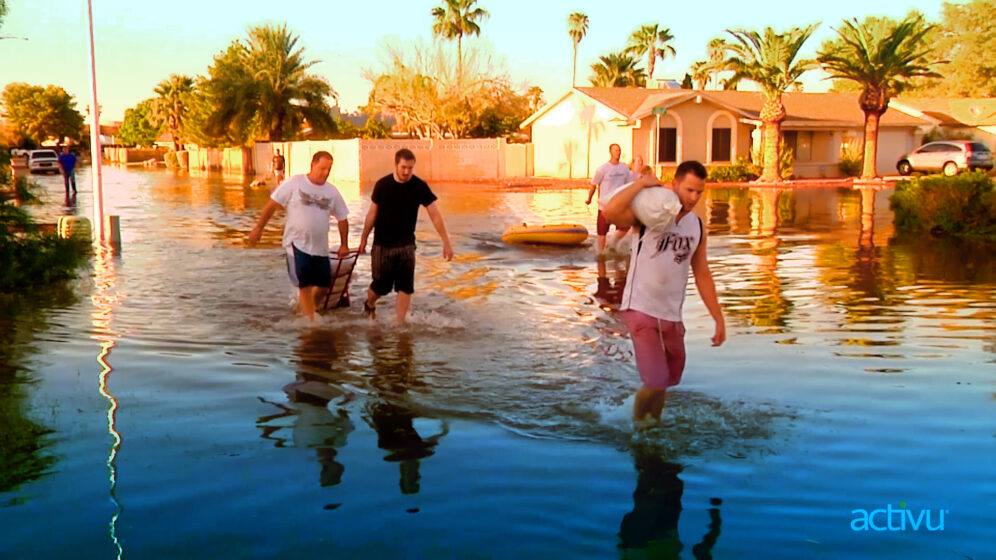
Case Study: Mesa EOC

I approached this corporate case study video as a documentary, rather than a technology business’s promotional piece. I produced the piece, assisted on-site capturing content, interviewed our subjects, and directed the creative execution.

Activu

Entering an exciting, new phase of product and industry leadership, Activu was eager to promote a new software release on their website. We developed new, succinct, energetic messaging, and completely rebuilt the focus of the company branding to focus on Activu’s core competencies and trustworthy record of solving big problems for their clients.

Messaging was streamlined, placing customer stories at the forefront of the discussion, highlighting benefits Activu delivers through their solutions. Product messaging was overhauled to enhance readability and market differentiation in Activu’s solution compared to the industry.

Predata

Predata asked for a brand refresh, starting with the website. I changed the brand accent color to a bright aqua, and settled on a palette of mostly slates and midnights, with a few secondary colors as needed. A tremendous amount of forethought and WordPress customization effort has been expended to make the site very easily administrable for non-developers from the WP admin area, without using clunky WYSIWYG admin overlay plugins. The result is a very functionally complex site, fully custom CSS, numerous automated features, and a very friendly dynamically-populated Bootstrap-based carousel on the homepage. See the site here: predata.com

Purposeful Design Workshop

Teaching 7-8th grade children about design through a hands-on, workshop-style class. In one of our self-generated projects, we reimagined Hoboken’s dreadfully confusing parking signs as more friendly and legible communication devices.

We began by choosing to project mainly positive messages for people looking to park their cars. The class acknowledged how challenging it is for their parents and visitors to drive safely down Hoboken’s narrow streets—watching for pedestrians, cars pulling out, doors opening into the lane. We determined that an icon-based approach was necessary to help parkers in their first stage: “can I park here or not?” We changed the sign’s shape to improve non-legible communication using universal icons: the well-known public parking “P” in a blue circle, and a “house” shape.

Even a non-resident would notice and understand the parking “P” and feel confidence approaching that side of the street for a parking spot. Placing the word “visitors” directly below the “P” reinforces for non-residents that they may look for those signs to park. Conversely, the house-shaped sign uses the word “resident” at the very top, which, combined with the the shape of the sign communicates to visitors that these are not visitor parking spots. All this new information is easily conveyed to a driver, quickly and safely, without squinting or taking their eyes off the road for much more than an instant.

Once drivers understand this information, the signs clearly convey to visitors that they are only welcome to 4 hours of parking, and permit holders are welcome as long as they like. We then used a bright, contrasting color to separate the street cleaning times and dates, and designed them as a viewer perhaps envisions the days of a week in their mind’s eye: a seven-unit row. While the sweeping days are abbreviated within this series of cells, they also indicate the restricted days based on which cells are colored and labeled, again increasing legibility for a driver who might not catch all the words or letters while moving.